 StickerSnap
Explainer · WhatsApp
Animated stickers in WhatsApp, explained
Most animated TikTok stickers move in WhatsApp too. When one arrives frozen, it almost always broke one of WhatsApp's size or length rules. Here they are.
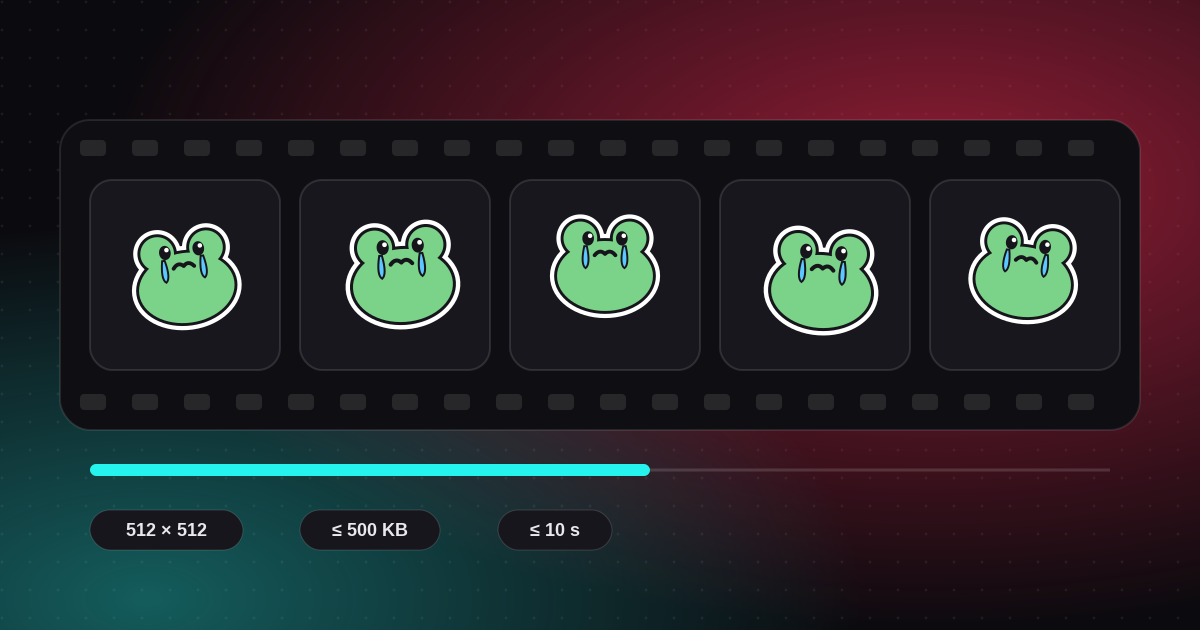
WhatsApp's rules for a sticker
- Size: exactly 512 by 512 pixels, in the WebP format.
- File size: under 100 KB for a still sticker, under 500 KB for an animated one.
- Length: an animated sticker can last at most 10 seconds.
- Packs: an app-installed pack holds 3 to 30 stickers, and a pack is either all animated or all still.
When a sticker breaks one of these rules, WhatsApp doesn't refuse it. It quietly shows only the first frame, so the sticker looks frozen.
What StickerSnap does
StickerSnap starts from the sticker's original file, not a screen recording, and converts it to WhatsApp's rules: it fits the image to 512 by 512, keeps the animation and squeezes the file under 500 KB. For most TikTok stickers that keeps every frame moving.
A few stickers are very long or very detailed. Squeezing them under 500 KB would make them blurry, or they run past 10 seconds. Those may arrive as a still picture. If that happens, keep the original file from the sticker page instead, or try Discord or Signal, where it stays animated.
Other apps
- Telegram: animated Telegram stickers use a video format (WebM) that StickerSnap can't make yet, so they arrive as a still.
- Discord and Signal: animated stickers stay animated.
- The original file: you can always keep the original, untouched file from the sticker page.
Getting a moving sticker into your tray
On the web, send the sticker in any chat, tap it and choose Add to Favourites. A browser can't install a whole pack into WhatsApp; that needs an installed app, which is what the StickerSnap Android app will do in one tap.
Paste a link, keep the sticker.
Open StickerSnapMore from the blog
- How to save TikTok comment stickers to WhatsAppCopy the comment's link, paste it, send the sticker to WhatsApp at full quality. Six steps.
- Make a pack from a whole videoOne video link, every sticker in its comments, duplicates merged. Keep the ones you like as a pack.
- Why some TikTok comments don't show upTikTok's app and website don't show the same comments. What that means for stickers, and what still works.
Last updated 22 November 2026