 StickerSnap
Guide · WhatsApp
How to save TikTok comment stickers to WhatsApp
Copy the comment's link in TikTok, paste it into StickerSnap, and send the sticker to WhatsApp at full quality, animation included when it fits WhatsApp's rules. Free, with no account and nothing to install.
Step by step
- Find the comment in TikTok Open the video and find the comment that has the sticker. On a computer, TikTok's website has no comment links: copy the video's address from the address bar instead, and StickerSnap collects every sticker in its comments.
- Tap Share on the comment, then Copy link Each comment has its own Share button. It opens TikTok's share panel; tap Copy link and the link goes to your clipboard.
- Paste it into StickerSnap Open StickerSnap and tap Paste, or paste into the box and tap Get stickers. A comment link gets you that sticker; a video link shows every sticker it found so you can pick the ones to keep.
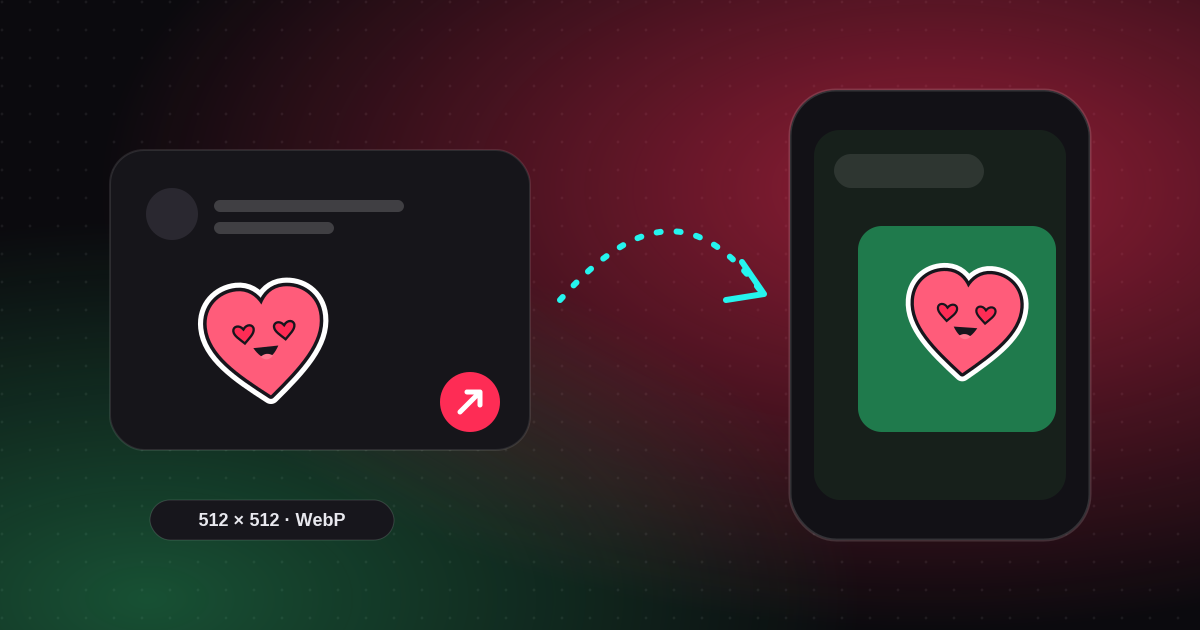
- Open the sticker and tap WhatsApp StickerSnap converts it to WhatsApp's sticker rules: a 512 by 512 WebP file under 500 KB, at most 10 seconds long.
- Send it On a phone, your share sheet opens: choose WhatsApp and a chat. On a computer the file downloads; attach it in WhatsApp Desktop or WhatsApp Web.
- Keep it in your tray In the chat, tap the sticker and choose Add to Favourites. It now sits in your sticker tray like any other.
Saving many stickers at once
Paste a video link instead of a comment link. StickerSnap reads the video's comments and replies, shows every sticker it finds (each one only once, however often it was posted) and lets you keep just the ones you tick. In My stickers you can group them into packs and download several at a time. More about saving a whole video.
A web page can't add a whole pack to WhatsApp's sticker tray: WhatsApp only accepts packs from installed apps. So on the web you send stickers one at a time and add them to Favourites. One-tap packs will come with the StickerSnap Android app.
What can't be saved
Some comments can't be reached. TikTok shows a few comments only inside its own app, not on its website or to visitors without an account. StickerSnap can't see those comments, so it can't get their stickers. When that happens it says so plainly, and if you pasted a video link you still get every sticker it could reach. Why this happens.
TikTok's own built-in emoji aren't files in the comment, so there is nothing to save. Stickers chosen from the sticker tray work.
Animated stickers stay animated when they fit WhatsApp's limits. A few very long or very detailed ones can't fit, and WhatsApp then shows only their first frame. Animated stickers in WhatsApp, explained.
Paste a link, keep the sticker.
Open StickerSnapMore from the blog
- Make a pack from a whole videoOne video link, every sticker in its comments, duplicates merged. Keep the ones you like as a pack.
- Why some TikTok comments don't show upTikTok's app and website don't show the same comments. What that means for stickers, and what still works.
- Animated stickers in WhatsApp, explainedWhatsApp's rules for animated stickers, and why a sticker sometimes arrives as a still picture.
Last updated 22 November 2026